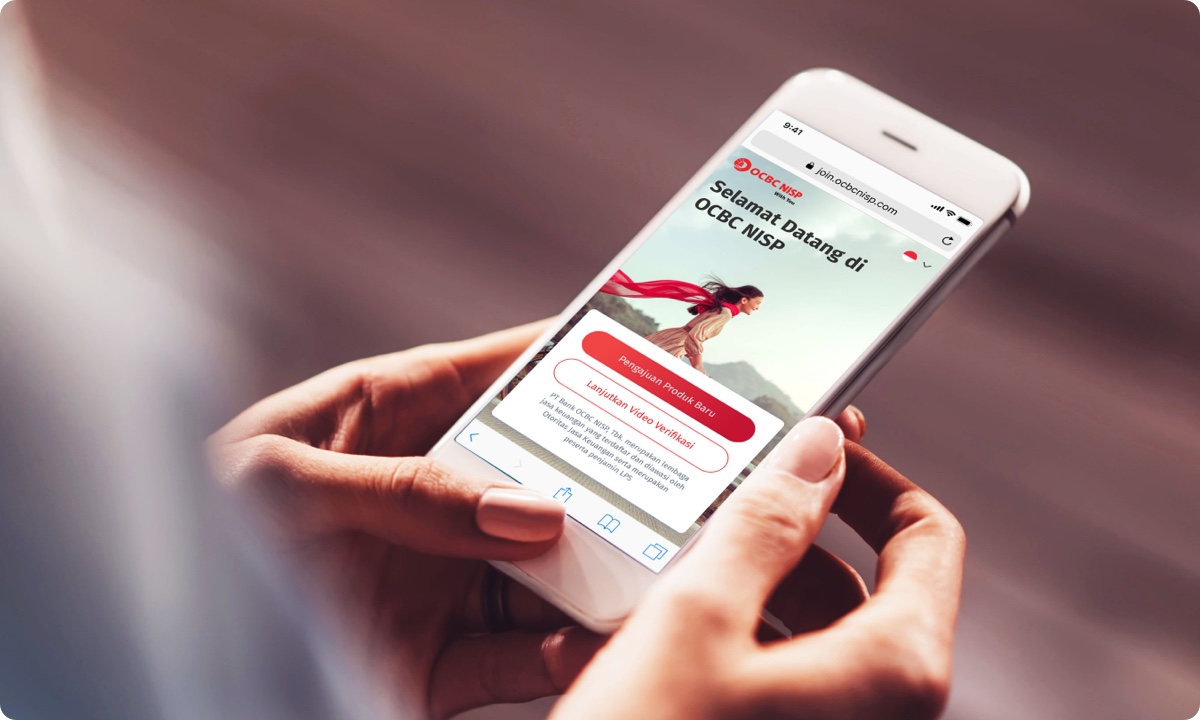
Fill In Your Personal Data, Verify, and Top Up Balance

Join OCBC for an easy and convenient banking experience with the following four options

Four easy ways to become out client

Maaf, terjadi kesalahan pada komponen ini. Silakan cek halaman-halaman lain atau kunjungi homepage. Activity ID 48bdf839b4e8473eb90c797fa355255f
Artikel Card Image
Artikel Card Image
Artikel Card Image
Artikel Card Image
Artikel Card Image
Device Frame

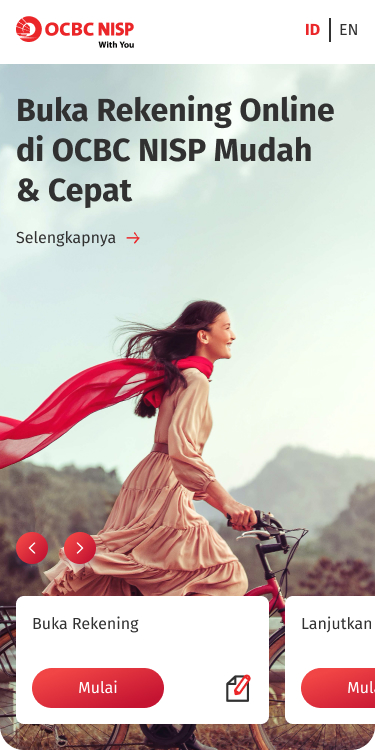
Buka onboarding.ocbc.id di browser & klik buka rekening

Ketik onboarding.ocbc.id langsung dari ponsel atau laptopmu

Step 1

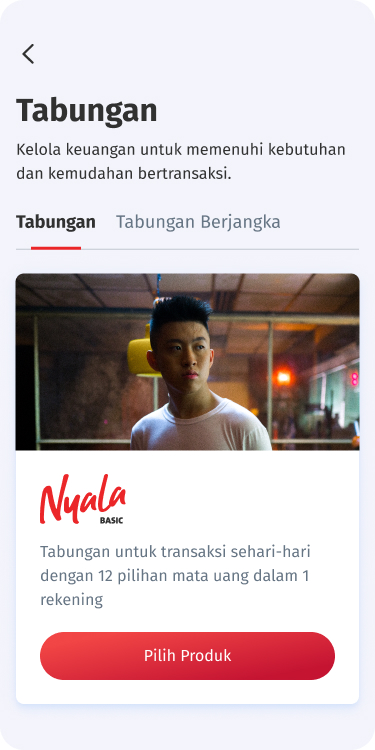
Pilih produk

Setelah klik "Buka rekening" pilih produk sesuai kebutuhanmu.

Step 2

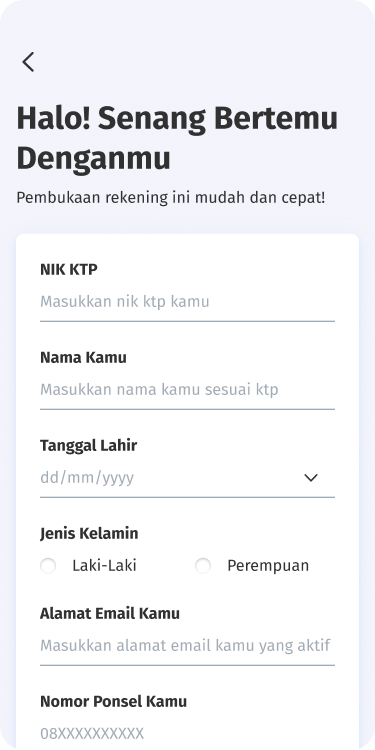
Isi & lengkapi form

Siapkan dokumen dan lengkapi data diri sesuai instruksi.

Step 3

Lakukan verifikasi KYC

Tanpa perlu ke bank, Kamu bisa melakukan validasi data secara online.

Step 4

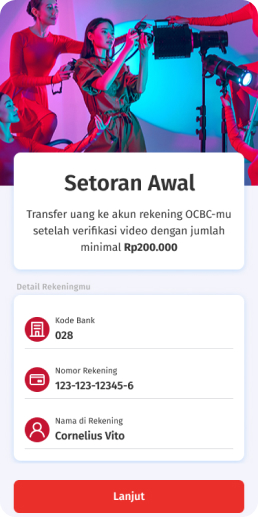
Download OCBC mobile dan lakukan setoran awal

Nikmati kemudahan mengelola keuangan melalui aplikasi OCBC mobile.

Daftar via web sekarang!

Step 5

Simpanan

Pembukaan Tabungan Nyala
onboarding.ocbc.id

Pinjaman

Pengajuan Pinjaman Ringan
onboarding.ocbc.id
Easy onboarding process in all OCBC branches
  • Branch locations are widespread
  • Apply all types of products
  • Friendly Customer Service
OCBC Head Office

Jl. Prof. DR. Satrio Blok C4 No.25, Kuningan, Jakarta 12950

Other Locations

Advantages of Opening an Account at Booth:

  1. Easier account opening process through OCBC mobile, guided directly by our Sales Representative.
  2. Attractive prizes that can only be obtained through opening an account at the Nyala booth.

Easy Steps to Open an account at Booth:

  1. Prepare the original e-KTP (according to the dukcapil).
  2. Prepare other supporting documents such as SIM / Family Card / Marriage Certificate / Diploma (only if needed during the verification process).
  3. Follow the account opening guidelines from our Sales Representative.
  4. Prepare funds to join the savings program with attractive prizes at the Nyala booth.

Customer registration via OCBC mobile