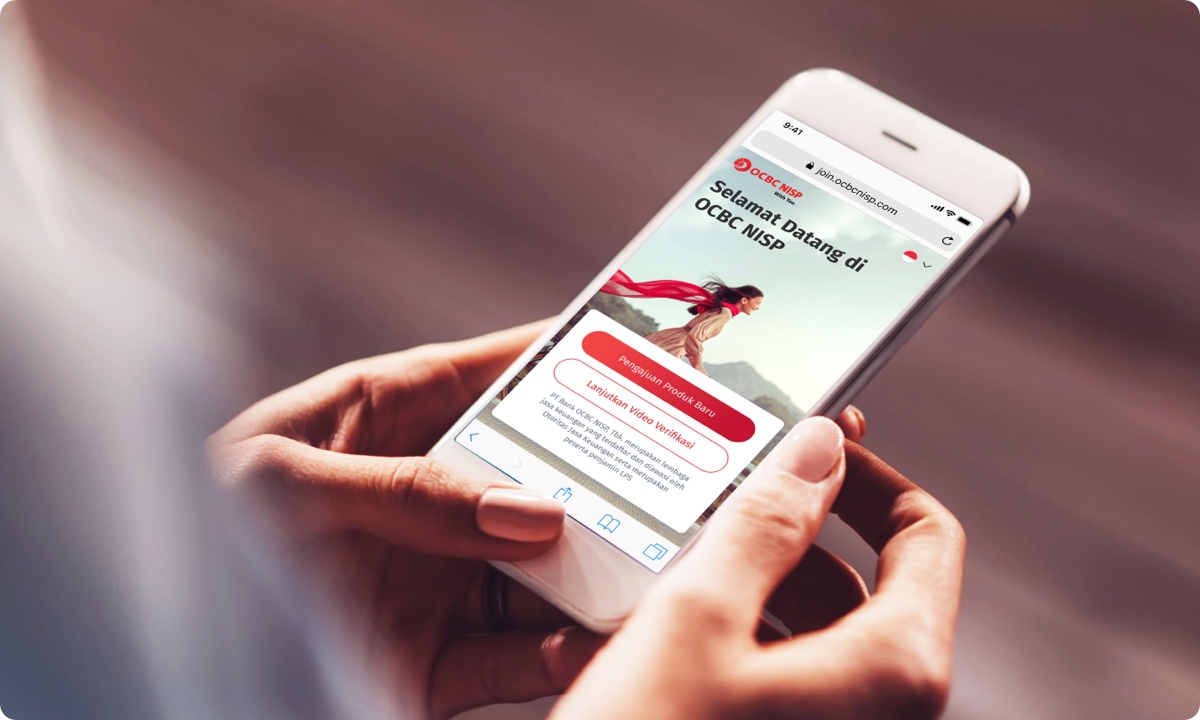
Fill In Your Personal Data, Verify, and Top Up Balance
Join OCBC for an easy and convenient banking experience with the following four options
Four easy ways to become out client
Pilih
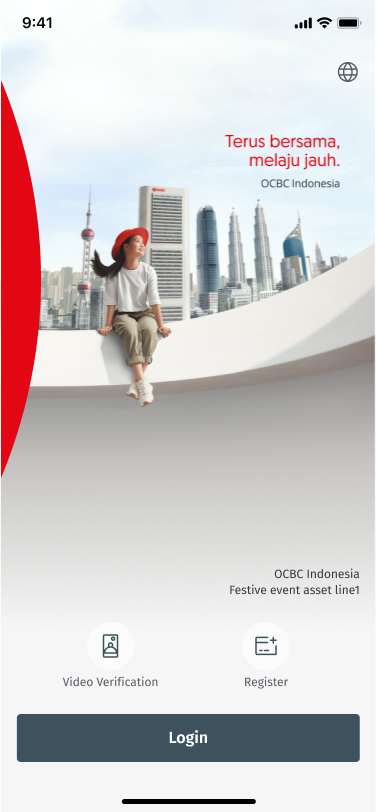
Download OCBC mobile at Appstore/Playstore
Click Register and select don’t have an account.
Step 1
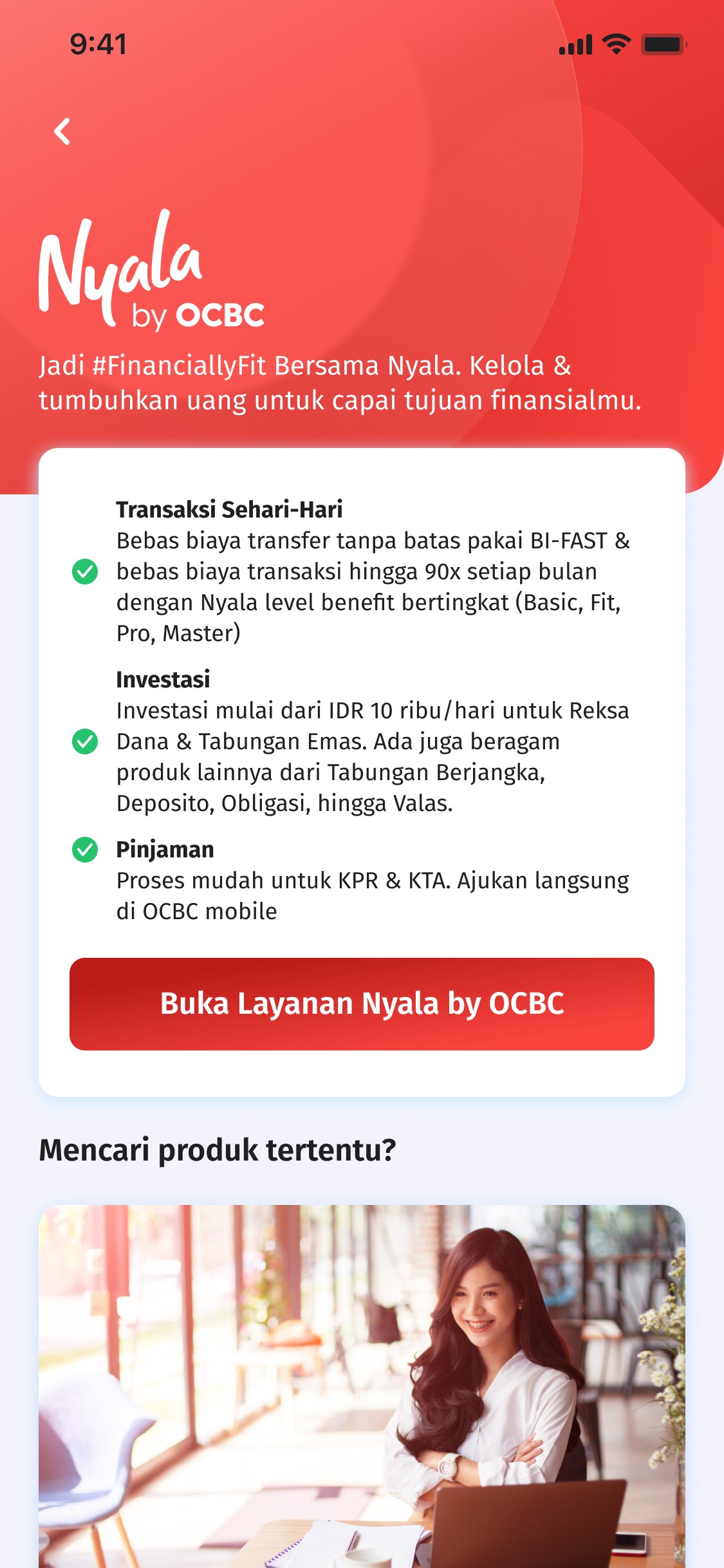
Click Apply Nyala
Select Nyala services.
Step 2
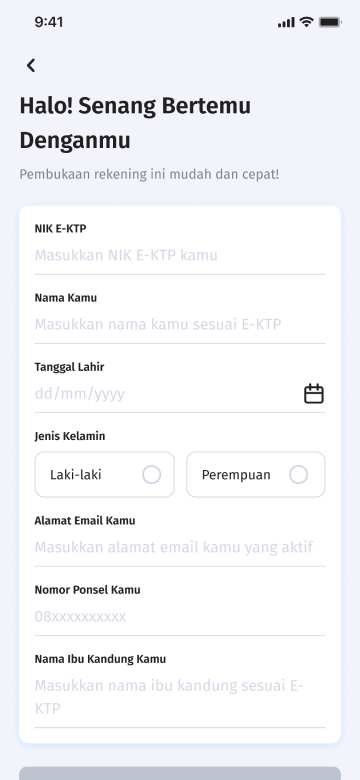
Activate your OCBC mobile User ID and password
Make sure you have created OCBC mobile user ID and password.
Step 3
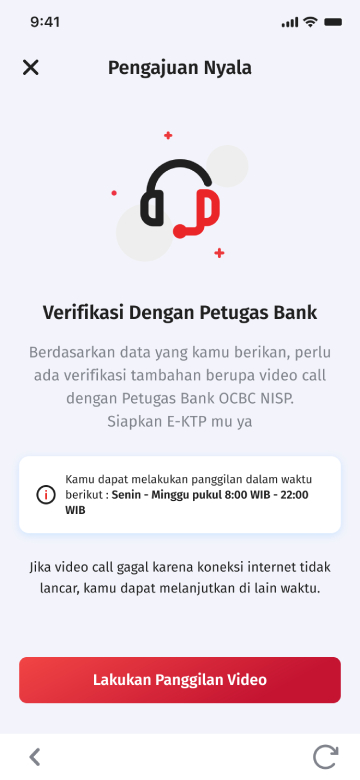
Verification E-KYC
If you are at a branch, verification will be assisted by customer services.
Step 4
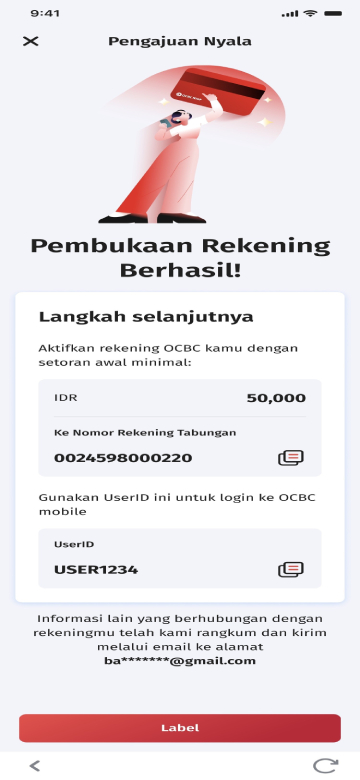
Account opening successful
Account number and User ID will be sent to the registered email address. Then login to OCBC mobile with the temporary sent via SMS, then set your login password and transaction PIN.
Step 5
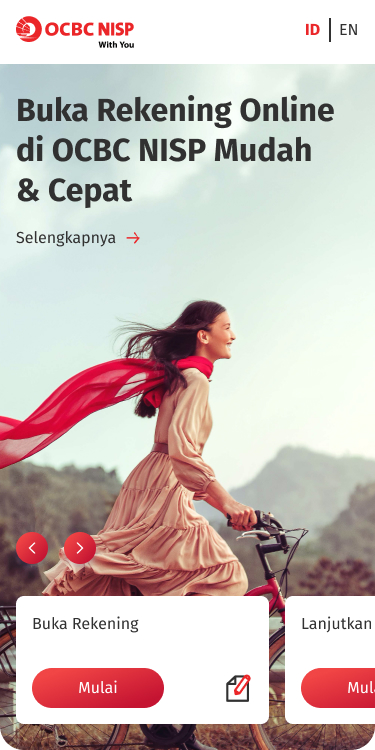
Buka onboarding.ocbc.id di browser & klik buka rekening
Ketik onboarding.ocbc.id langsung dari ponsel atau laptopmu
Step 1
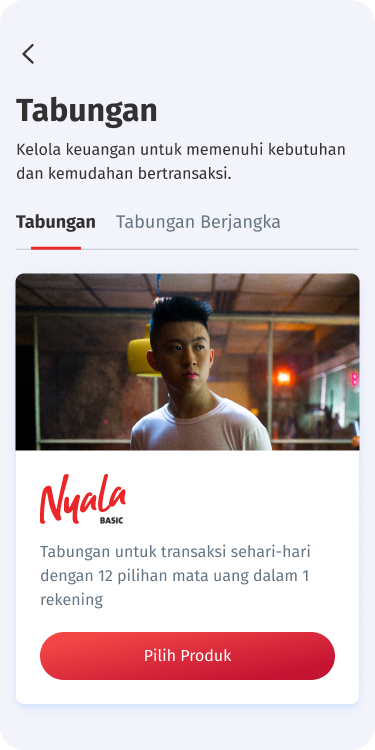
Pilih produk
Setelah klik "Buka rekening" pilih produk sesuai kebutuhanmu.
Step 2
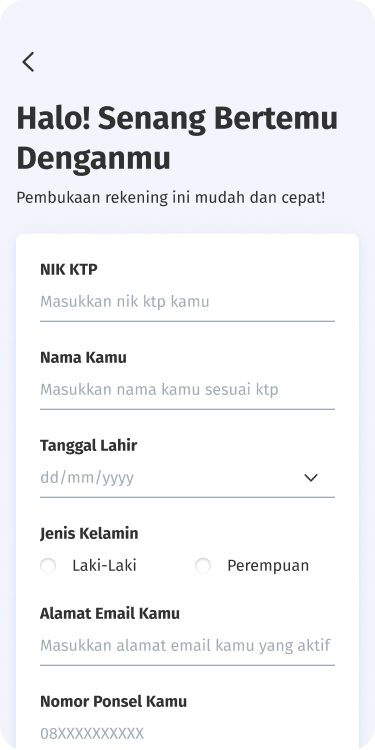
Isi & lengkapi form
Siapkan dokumen dan lengkapi data diri sesuai instruksi.
Step 3
Lakukan verifikasi KYC
Tanpa perlu ke bank, Kamu bisa melakukan validasi data secara online.
Step 4
Download OCBC mobile dan lakukan setoran awal
Nikmati kemudahan mengelola keuangan melalui aplikasi OCBC mobile.
Easier account opening process through OCBC mobile, guided directly by our Sales Representative.
Attractive prizes that can only be obtained through opening an account at the Nyala booth.
Easy Steps to Open an account at Booth:
Prepare the original e-KTP (according to the dukcapil).
Prepare other supporting documents such as SIM / Family Card / Marriage Certificate / Diploma (only if needed during the verification process).
Follow the account opening guidelines from our Sales Representative.
Prepare funds to join the savings program with attractive prizes at the Nyala booth.
Customer registration via OCBC mobile
This website uses cookies
We use cookies on this website for better service to you. Visit the Cookie Policy page to learn more. By clicking the 'Continue' button, you agree to the use of cookies on this site.