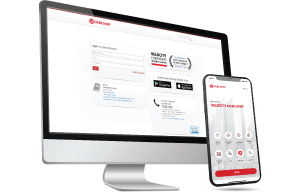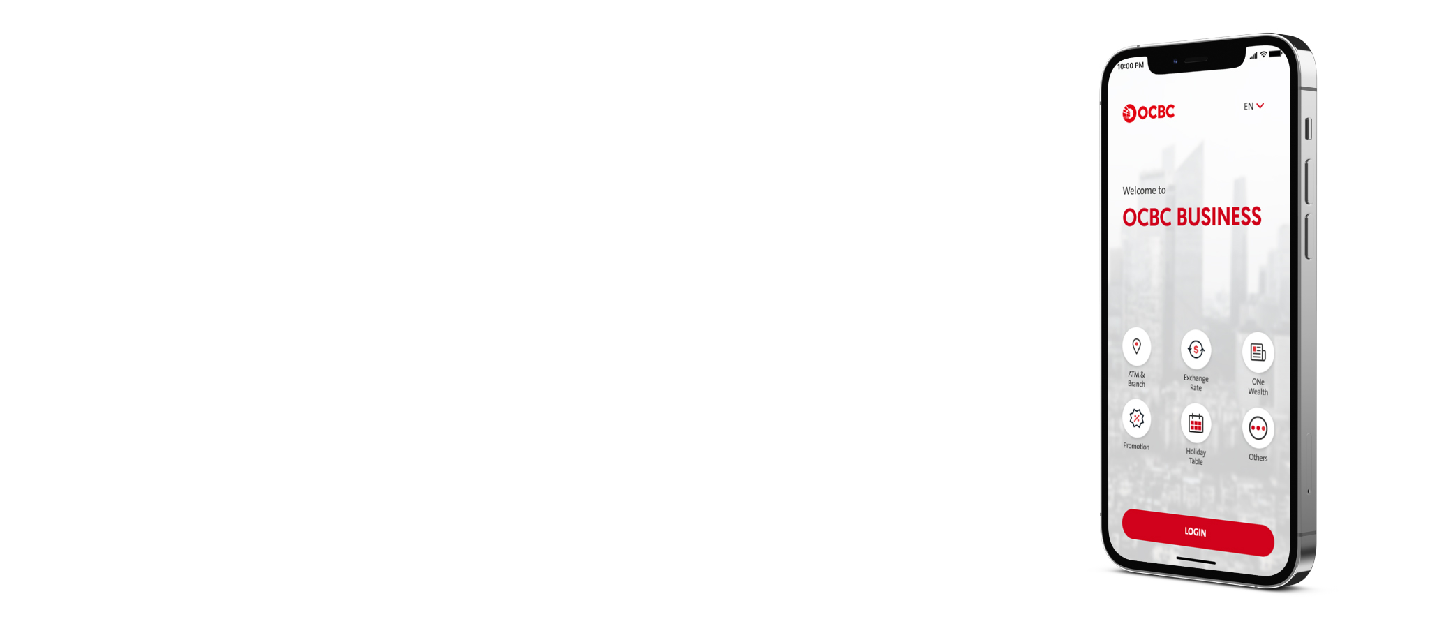

Forgot your hardware token? Our software token makes authorization easier than ever.

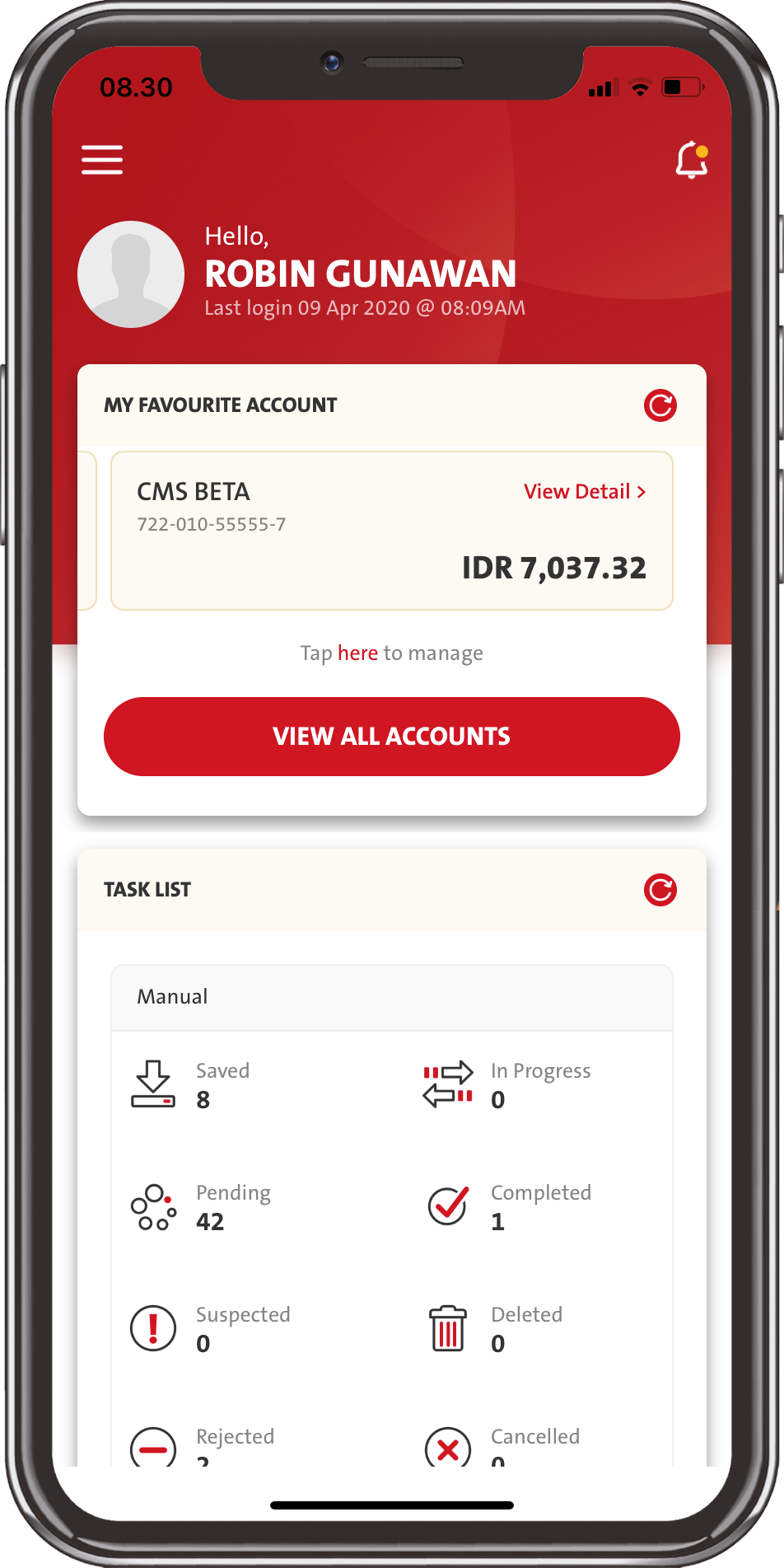
Track your financial transactions in real time from OCBC Business Mobile Tasklist

Buy and sell foreign currencies right from your device.

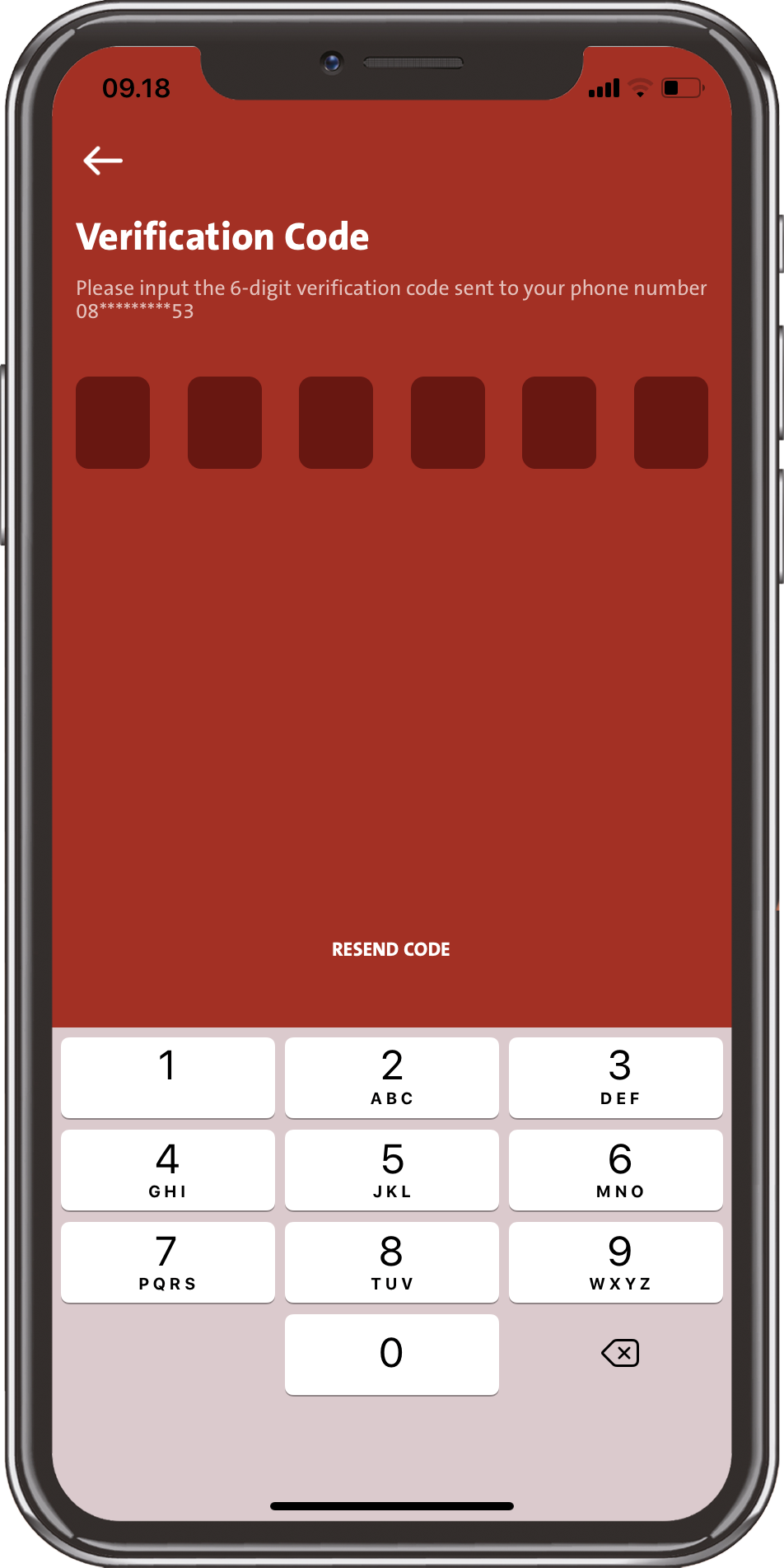
Forgot Your Password? Recover your password with only a few taps via app.

Popular Questions About OCBC Business mobile

Yes, all types of Users (Administrator, Viewer, Maker, Verifier, Authorizer, Single Access) can have access to OCBC Business mobile.
You can contact Tanya OCBC:
| Telephone: | 1500-999 atau +62-21-26506300 (from overseas) and choose “Business Banking Customer |
| Whatsapp: | +62-812-1500999 |
| Fax: | 021-57944000 / u.p. Client Services |
| E-mail: | clientservices@ocbc.id |
| Service hours: | Monday – Friday: 08:00am – 07:00pm (West Indonesia Time Zone) Saturday: 08:00am – 12:00pm (West Indonesia Time Zone) For Whatsapp Monday – Friday: 08:00am – 05:00pm (West Indonesia Time Zone) (closed for public holidays) |
You can change your Password by doing the following steps:
Customer allow to enter 3 (three) incorrect Password.
If your password is locked and you still remember your password, then you can do the following steps:
Yes, you will be able to change your password at anytime via Settings – Security - Change Password menu.
OCBC Business Mobile will automatically log you off after 15 (fifteen) minutes of inactivity.
2-Factor Authentication is a 2 (two) step user verification when user conduct online transactional banking. OCBC Business Mobile implemented 2-Factor authentication by using Organization ID, User ID, and Password to login and Token to authorize transaction.
Token is used to secure financial transactions and will only be given to Single Access User and Authorizer User that has been appointed to authorize transactions. Users do not need Token to login to OCBC Business mobile.
There will only be 3 (three) incorrect attempts allowed.
Please ensure that you remember the PIN for a better Velocity Mobile experience in the future.
From OCBC Business Mobile, you could get information regarding Current Account, Saving account, and Time Deposit.
You are able to download your account statement in PDF format and according to specific period.
You will be able to trace back up to 90 (ninety) days.
Your account information will be updated real-time.
The account information displayed on your OCBC Business Mobile is the same as what the system will display on your OCBC Business (website), the account restrictions is based on the access granted to your user when it was first registered. Should there be any new accounts that you wanted to have access to via OCBC Business mobile or OCBC Business (website), please contact Relationship Manager/Sales or Call OCBC to add more accounts.
There are no maximum number of transactions per day.
As long as the User has gone through the hardware binding process, then he/she will receive notifications automatically for authorization.
Users could set the e-mail address for the notifications to be sent to when creating the transaction.
After the transaction has been authorized, there will be an information about transaction status, whether it is successful/failed. You can also open your account statement to check if your account has been debited correctly (the nominal) as when you create the transaction.
Yes, OCBC Business Mobile could cater all needs regarding future-dated transactions.
OCBC Business Mobile will not be charging administration additional fee for their users. However, users still subject transactional fees in accordance with applicable regulations for some services (similar to fees charged when users use OCBC Business), such as:
Can't find the question you're looking for?
View Other Questions




 Back
Back