SMS OCBC

Banking transaction services via SMS

Other Benefit

profit-1

Check Your Balance

Easily accessing account information through mobile phone

profit-1

Withdraw Cash Without Cards

Cash withdrawal reservation via SMS Banking with a maximum withdrawal of IDR 1 million per day

profit-1

Pay Credit Cards

Pay credit card bills in the middle of a busy day without have to go to the ATM

profit-1

Easy Access

As long as you carry your mobile phone and have credit and signal, you can access OCBC SMS anytime and anywhere
Find an Easy Way

Artikel Card Image
Artikel Card Image
Artikel Card Image
Device Frame

Click Account Information

Open Internet Banking on your gadget, then click "Account Information", select Transaction History and select a source of funds account

Step 1

Select Criteria

After selecting the source account, select the criteria to see the transaction history

Step 2

Print or Save

Transaction history will appear on the Internet Banking page, you can choose to print or save history as needed

Step 3

Artikel Card Image
Artikel Card Image
Artikel Card Image
Artikel Card Image
Artikel Card Image
Artikel Card Image
Device Frame

Click Customer Service

Open Internet Banking on your gadget, click "Customer Service" then select "Device Settings"

Step 1

Select Fund Source

Select Fund Source to be used for Telegraphic Transfer

Step 2

Fill in your personal data

Complete all the information needed to continue the process

Step 3

Re-check

Double check the details of transaction you want to make

Step 4

Enter PIN

Then, enter your PIN or token on the Internet Banking page

Step 5

Transaction Successful

Telegraphic Transfer transaction was successful

Step 6

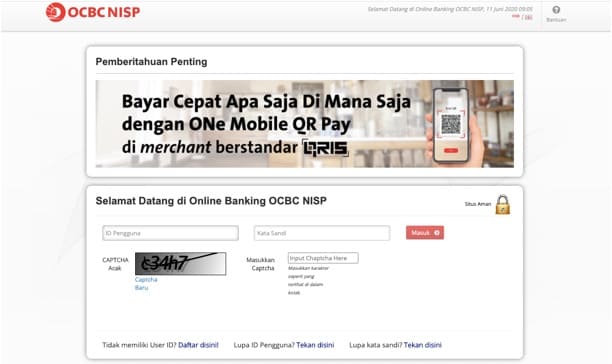
Login to start online transactions

It's time to enjoy the convenience of online transaction

Login