Back to Promo
 Add to Calendar

-
Cashback IDR20k at XXI Café & XXI Deluxe with OCBC Global Debit
- Cashback 25% up to IDR 50k at XXI Premiere with OCBC Premier Global Debit Platinum
- Cashback 50% with Tap Credit Card
IDR 20,000 Cashback with OCBC Global Debit
Terms & Conditions:
- Get IDR 20,000 cashback
- Valid for movie tickets and food & beverage purchases
- Minimum transaction IDR 100,000
- Payment method: OCBC Debit Mastercard (BIN: 537940, 531928)
- Valid every Friday, Saturday, and Sunday
- Period: 1 February – 31 July 2026
- Limited to 1 transaction per customer per month
- Quota: First 1,050 transactions per month
- Cashback will be credited within 1×24 hours
- Valid at all XXI cinemas, XXI Café, and M-Tix in Indonesia (online & offline)
- Ensure your OCBC Global Debit card and e-commerce feature are activated before transaction
- 💳 Debit card activation: web.ocbc.id/aktivasikartu
- 🛍 E-Commerce activation (for M-Tix transaction): web.ocbc.id/aturdebit
25% Cashback at XXI Premiere with OCBC Premier Global Debit Platinum
Terms & Conditions:
- 25% cashback up to IDR 50,000
- Valid for XXI Premiere ticket purchases
- Minimum transaction IDR 100,000
- Payment method: OCBC Premier Global Debit Platinum (BIN: 531928)
- Valid every Friday, Saturday, and Sunday
- Period: 1 February – 31 July 2026
- Limited to 1 transaction per customer per month
- Quota: First 200 transactions per month
- Cashback credited within 1×24 hours
- Valid for in-store payments at XXI Premiere only (not applicable for online transactions)
Cashback 50% with Credit Card Tap Feature
Terms and Conditions:
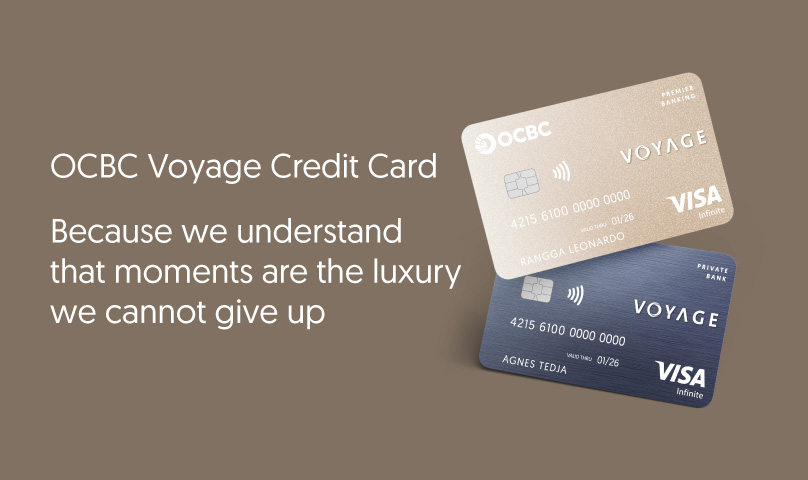
- Valid for OCBC Credit Card with VISA logo
- Period: 10 November 2025 - 30 June 2026
- Cashback 50% applies to a minimum transaction of IDR100,000
- Valid for payments using the Credit Card Tap feature on OCBC mobile
- Valid for Android users with NFC and OCBC mobile
- Valid for ticket purchases at Studio Deluxe and IMAX® Theaters
- Valid at XXI Café Indonesia. Check locations here
- Valid once per card per promo period
- Valid as long as the cashback quota is still available
- Not valid for multiples or split bills
Activate Your OCBC Credit Card Tap Feature
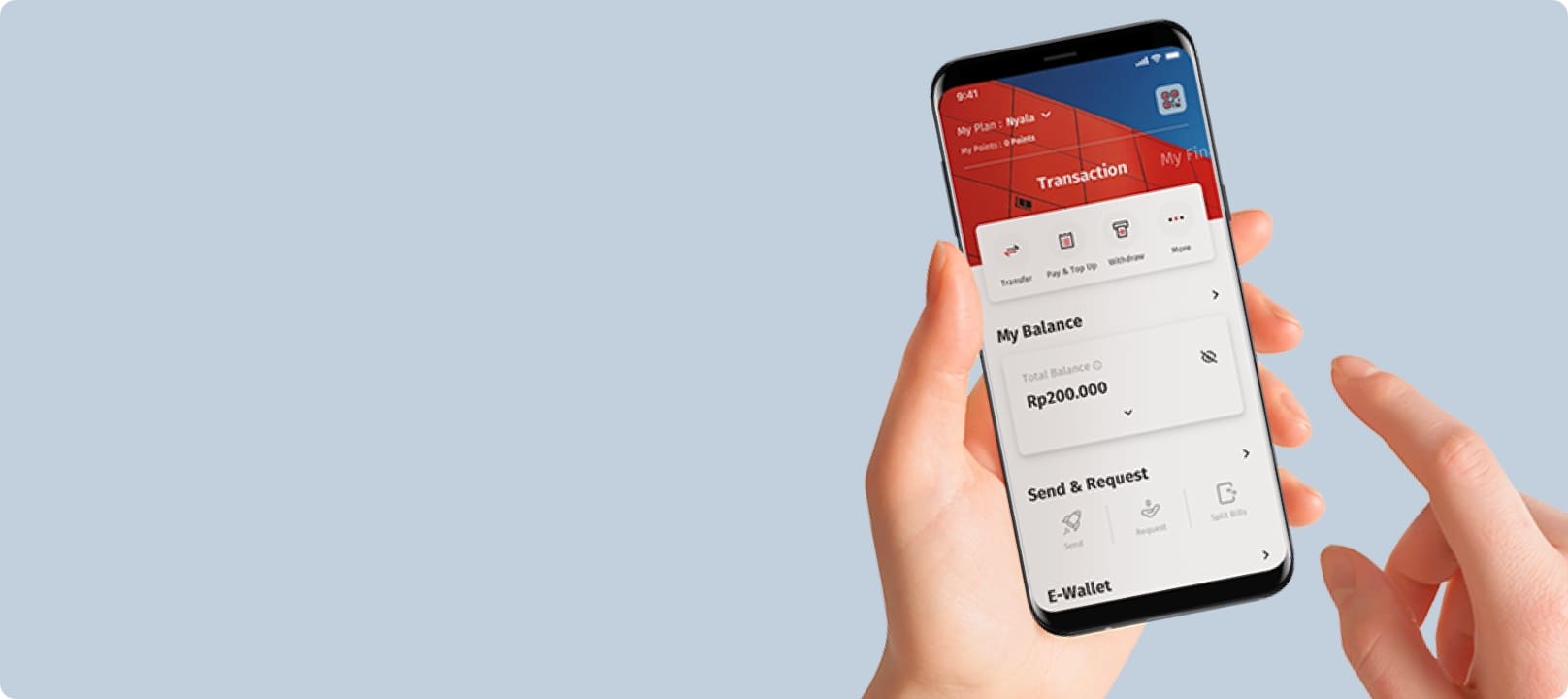
- Log in to OCBC Mobile, then select “All Menu.”
- Tap the “Tap Credit Card” menu and agree to the terms and conditions for activating the Tap Credit Card feature.
- Select your OCBC Credit Card as the funding source for Tap Credit Card transactions.
- Tap the “Activate” button and ensure the NFC feature on your smartphone is enabled, and that OCBC Mobile is set as the default app for contactless payments.
- Your card has been successfully activated and is now ready to be used for Tap Credit Card transactions