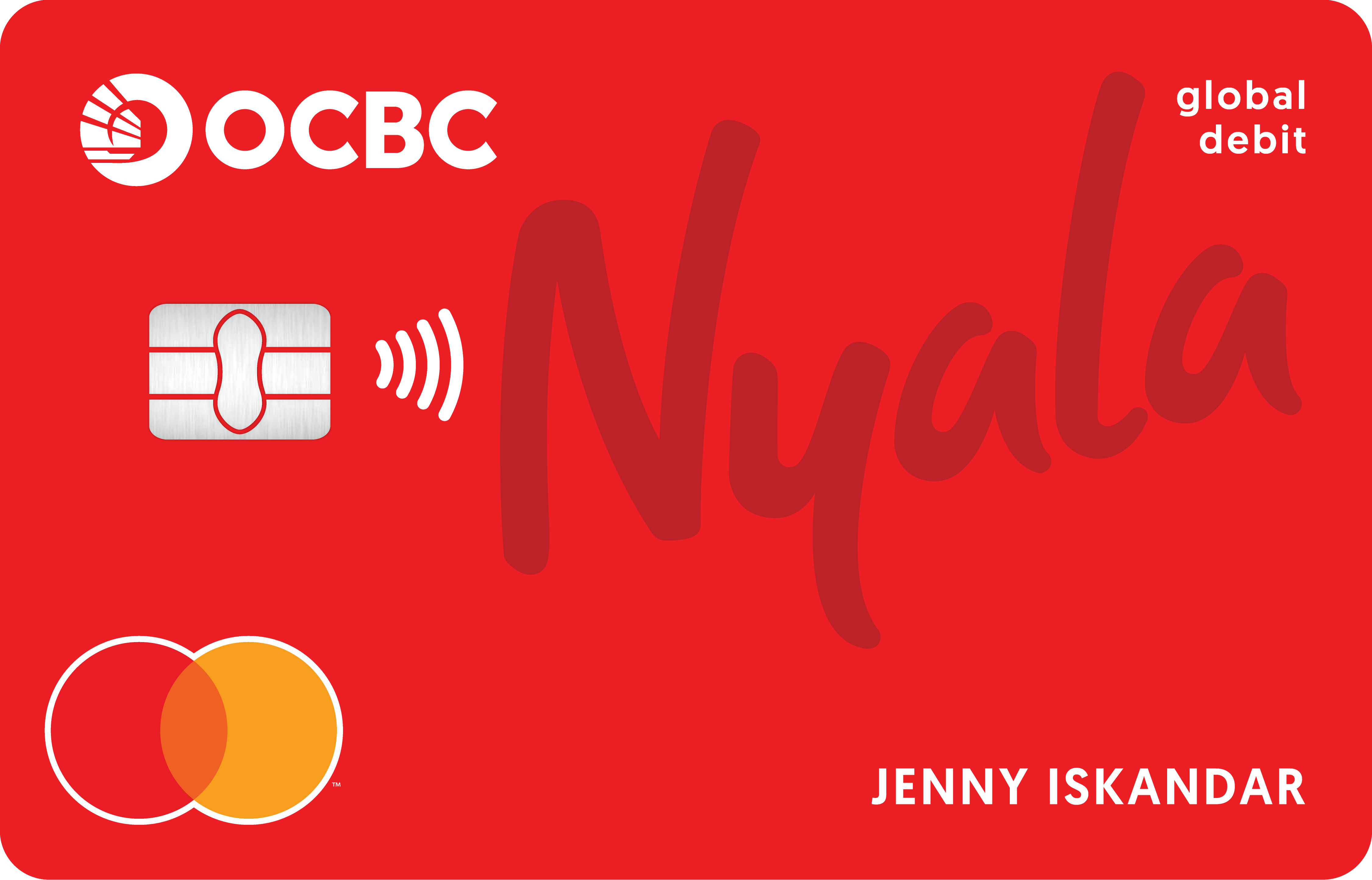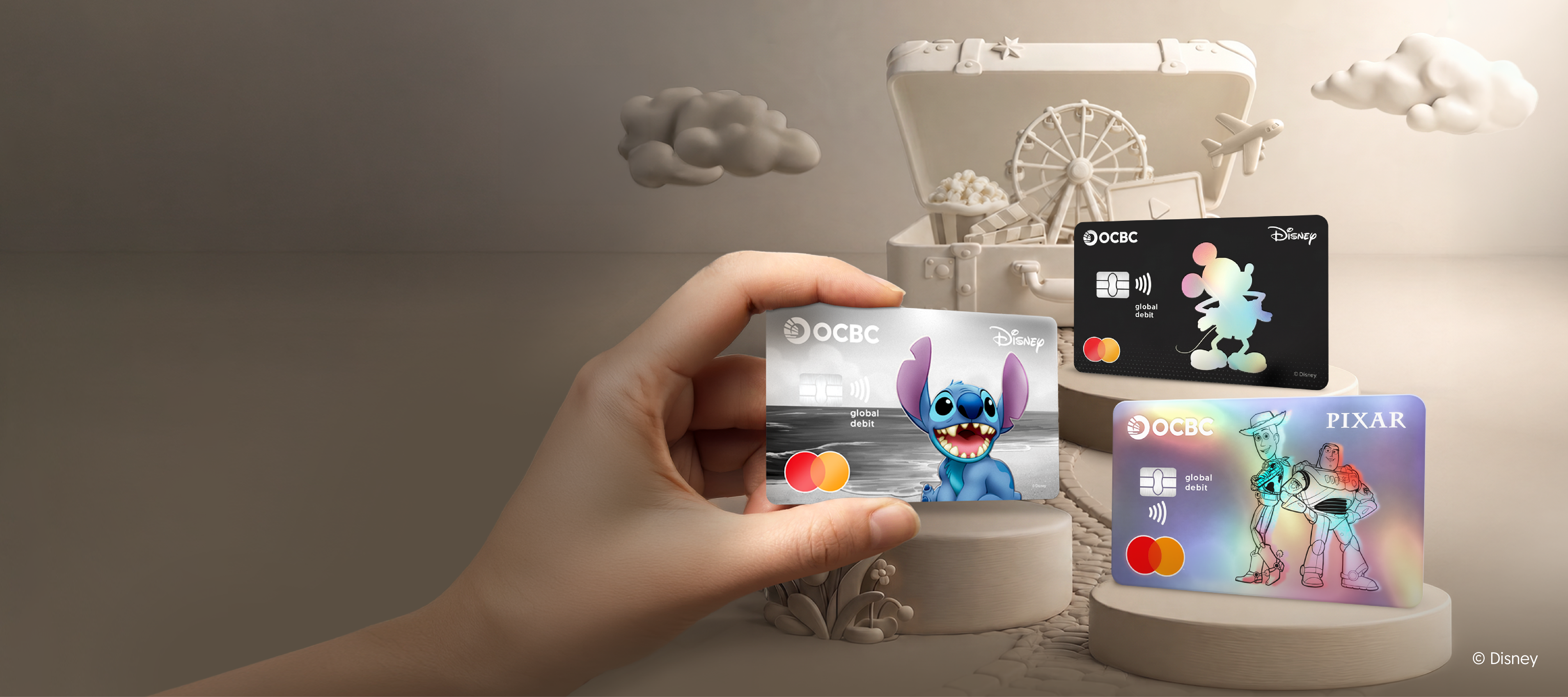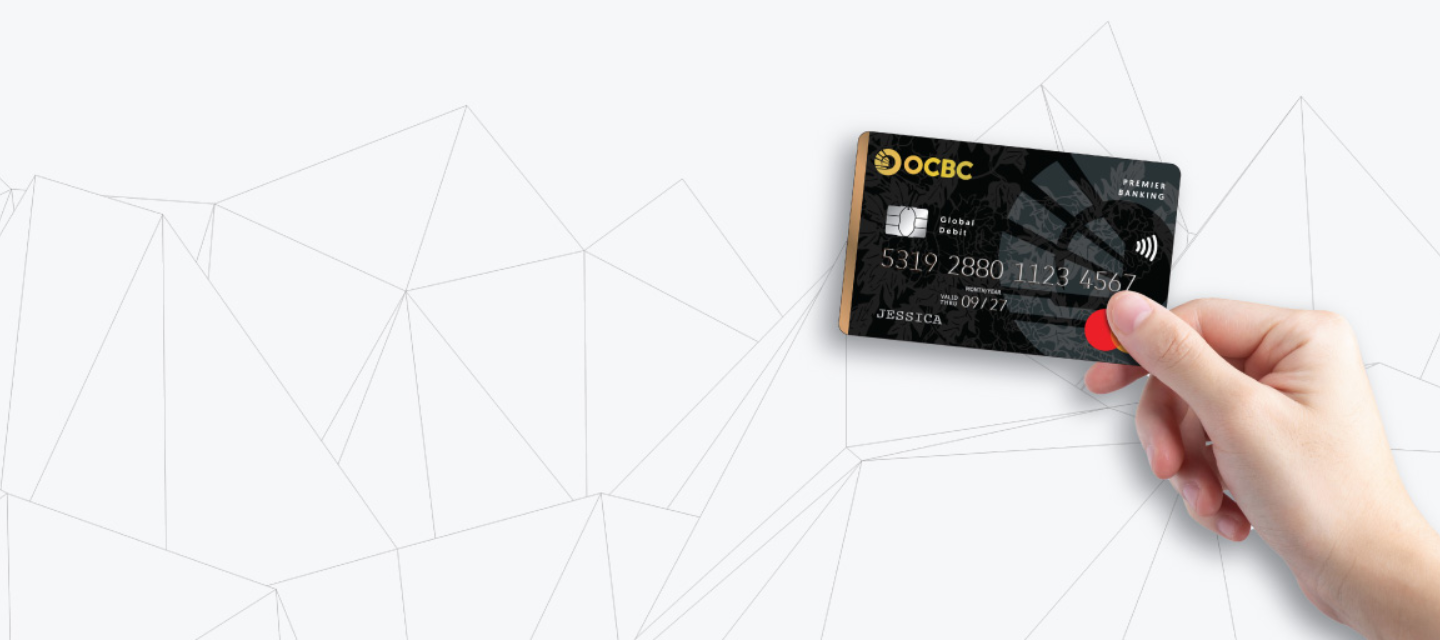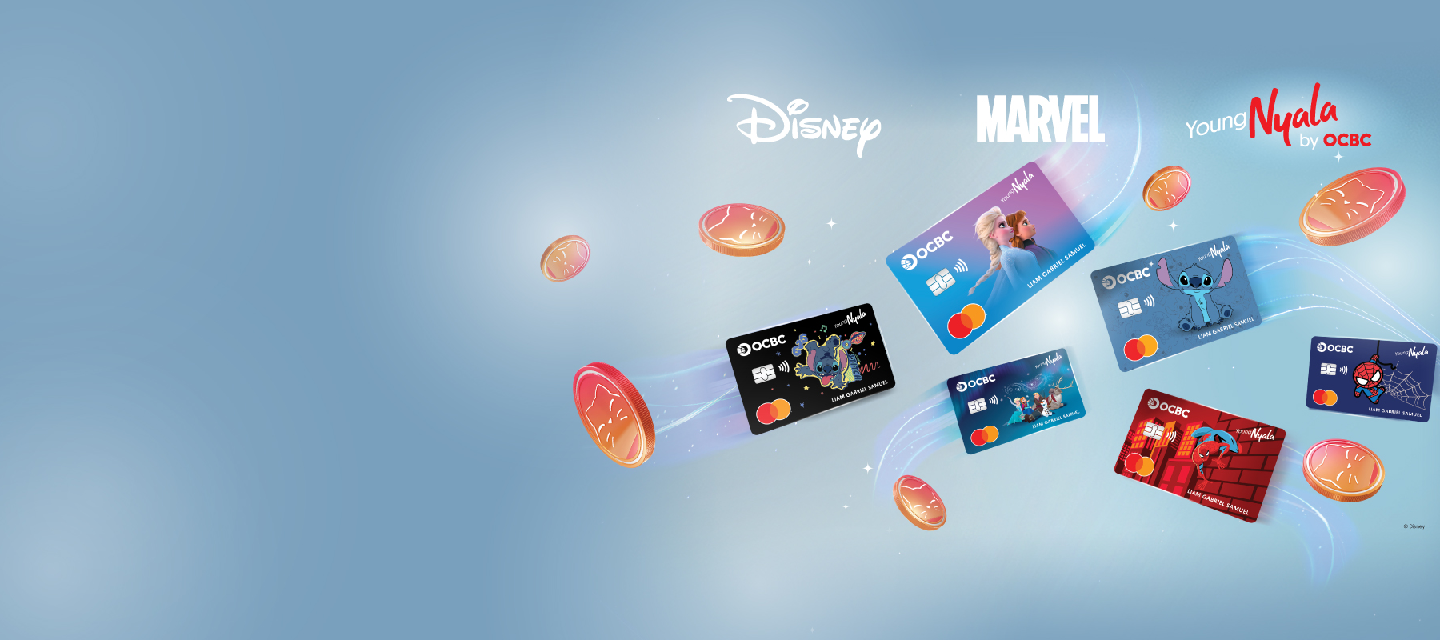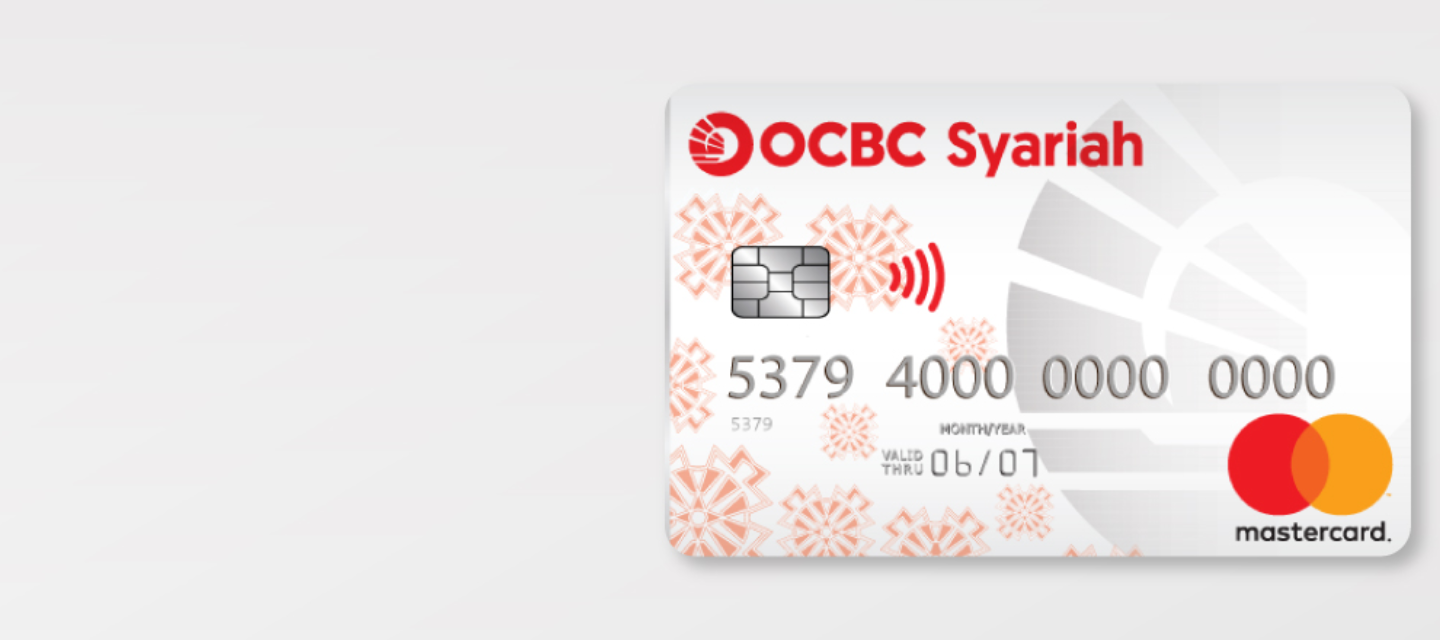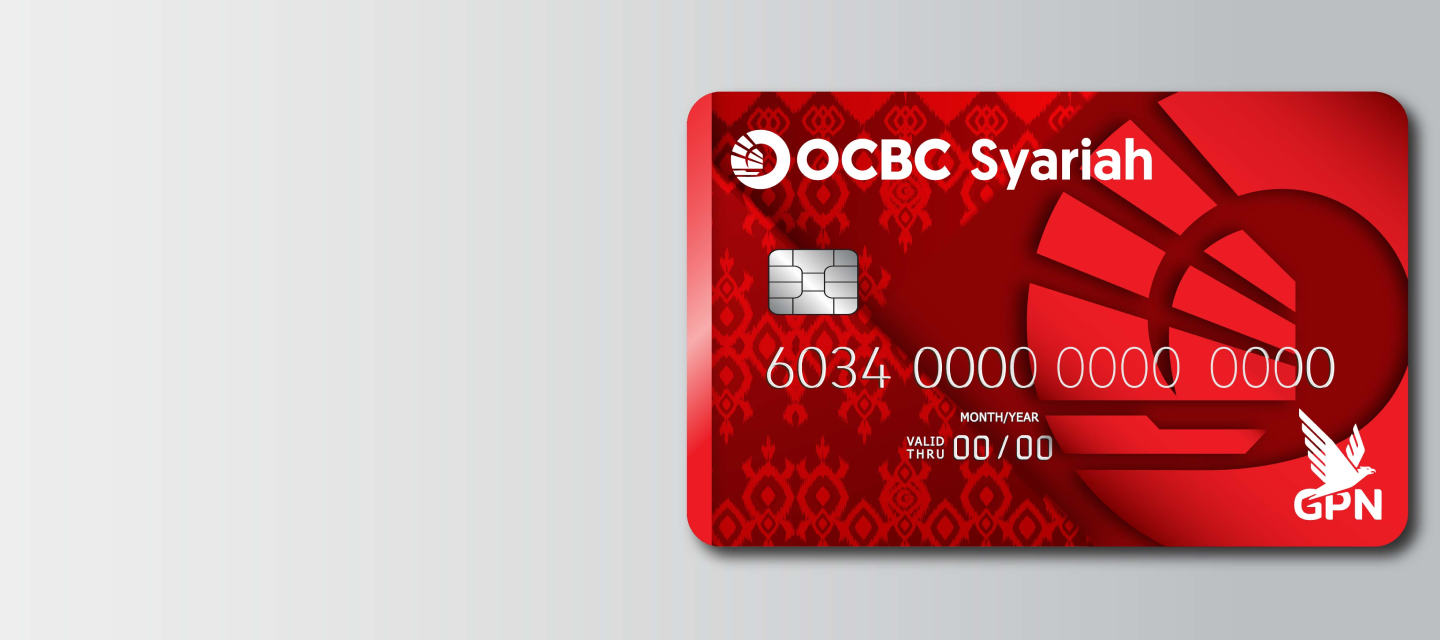
Shopping online directly with debits from multiple currencies, without conversion fee! Enjoy various promotions
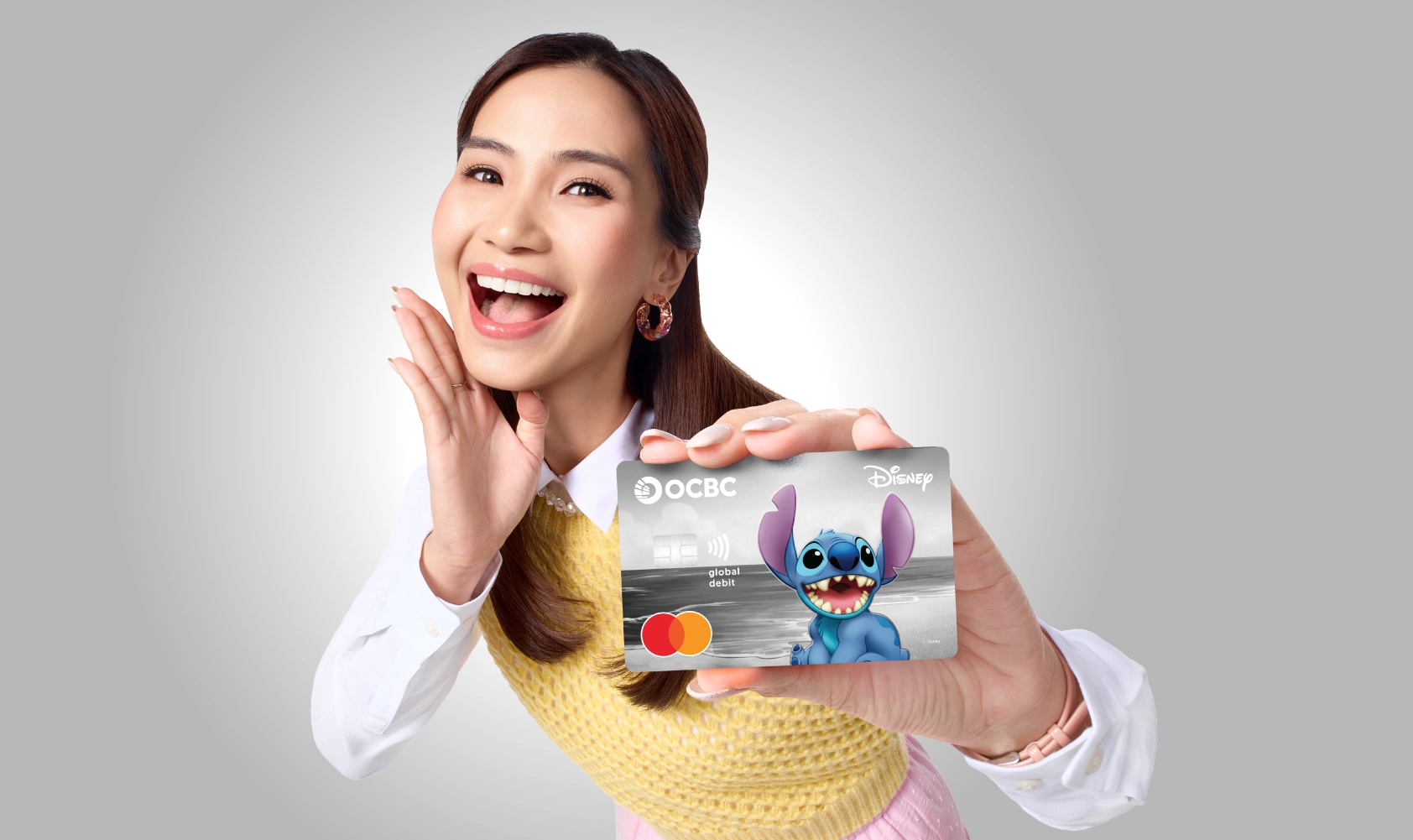
With contactless feature, shopping & ride MRT in abroad just tap/dip card & direct debit from multiple currencies, without conversion
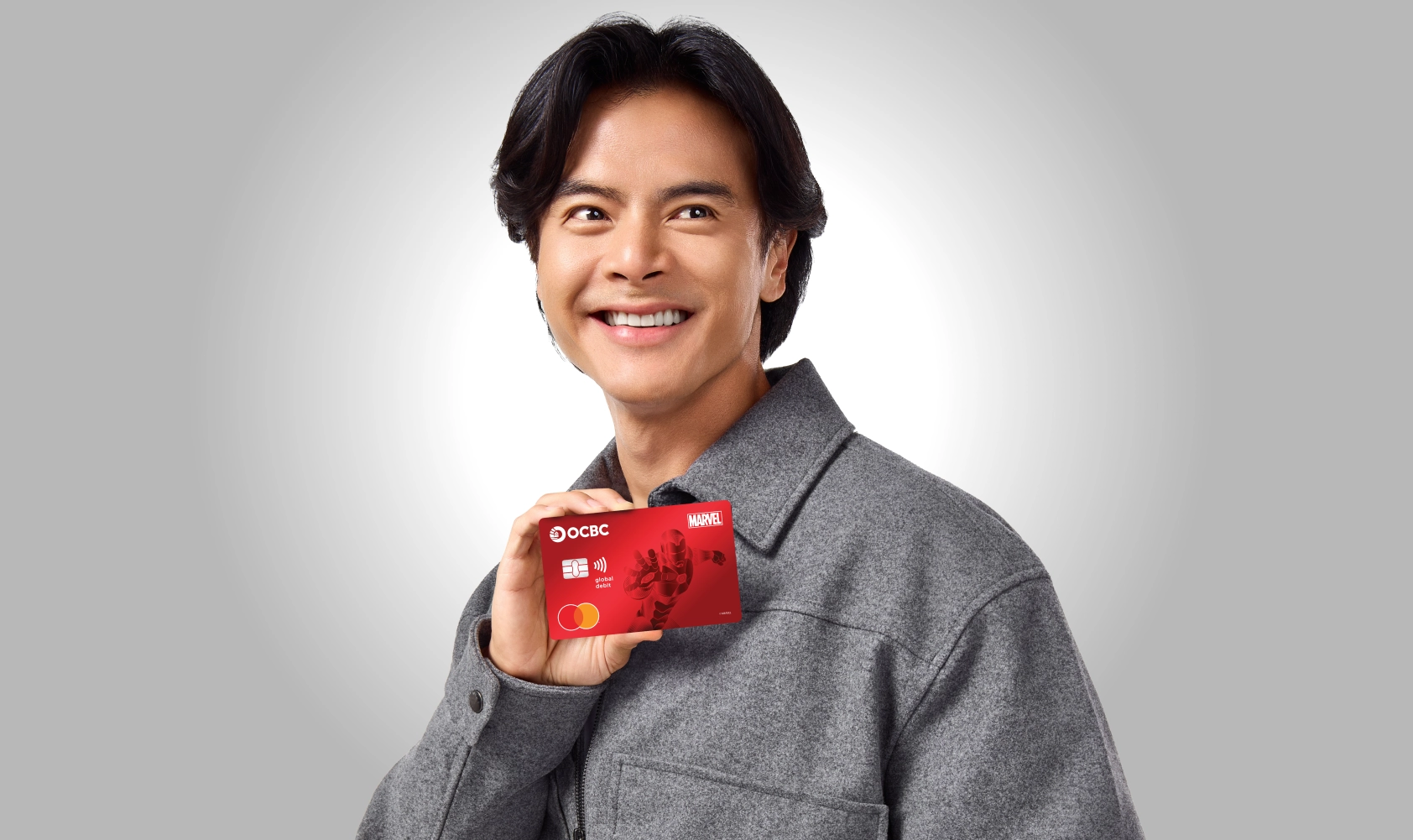
Free cash withdrawal throughout the OCBC ATM network in Singapore, Malaysia and Hong Kong. (T&C applies to customer NYALA)
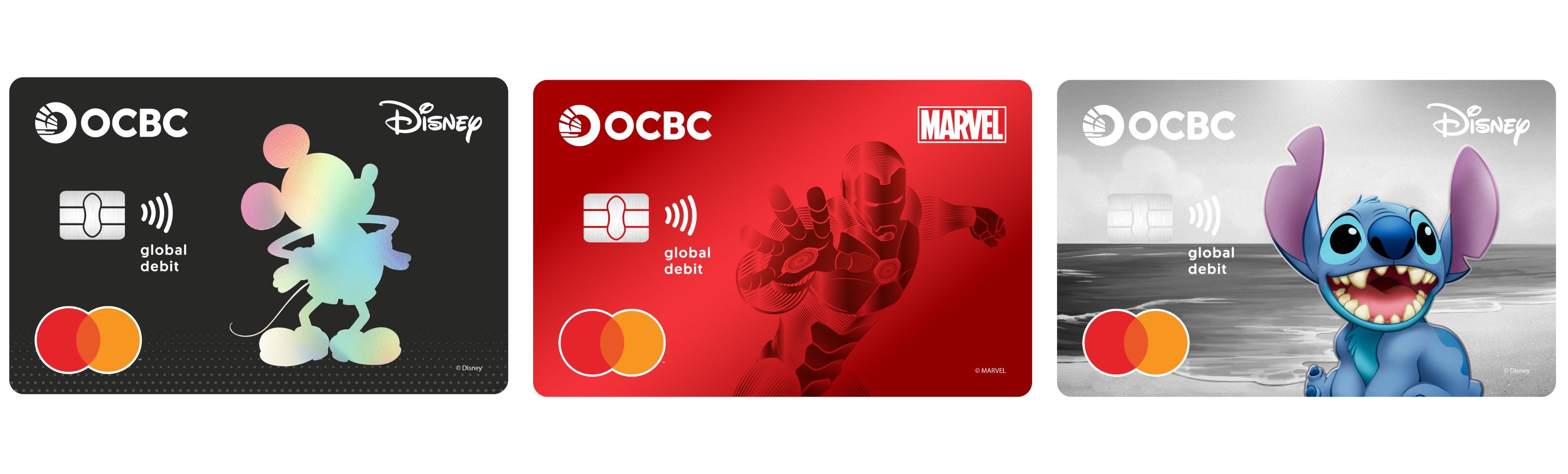

Enjoy everyday promo for every need! From dining out and coffee breaks, to online shopping and overseas transactions.

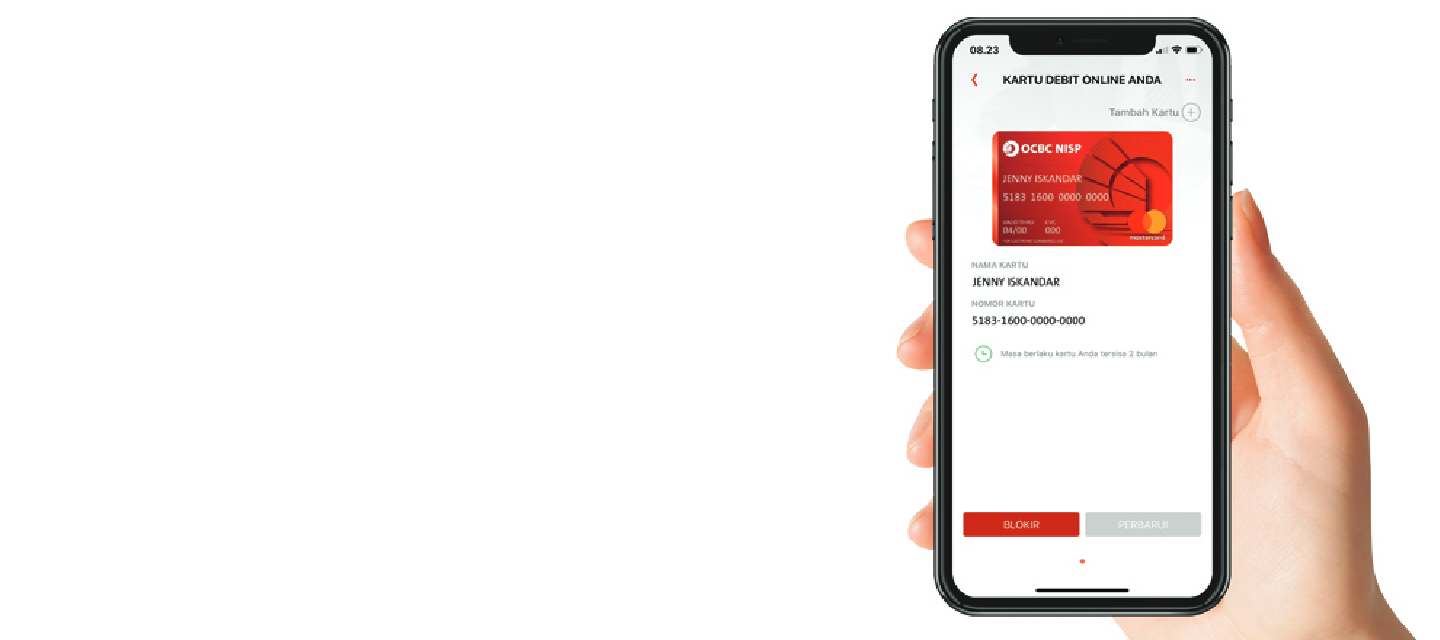
Easy set a debit card daily shopping limit according to your needs via OCBC mobile. Info:web.ocbc.id/aturlimit

Transaction at aboard with foreign currency: IDR, USD, AUD, SGD, JPY, EUR, HKD, CHF, NZD, CAD, GBP, CNH, AED, SAR, KRW and THB

Cash withdrawal in Indonesia and aboard on Mastercard & Maestro network

Debit shopping at domestic or international merchants without transaction fees

Free transaction fee up to 180x / month, free top up fee up to 30x / month, and free cash withdrawal in every ATM up to 30x / month by joining Nyala
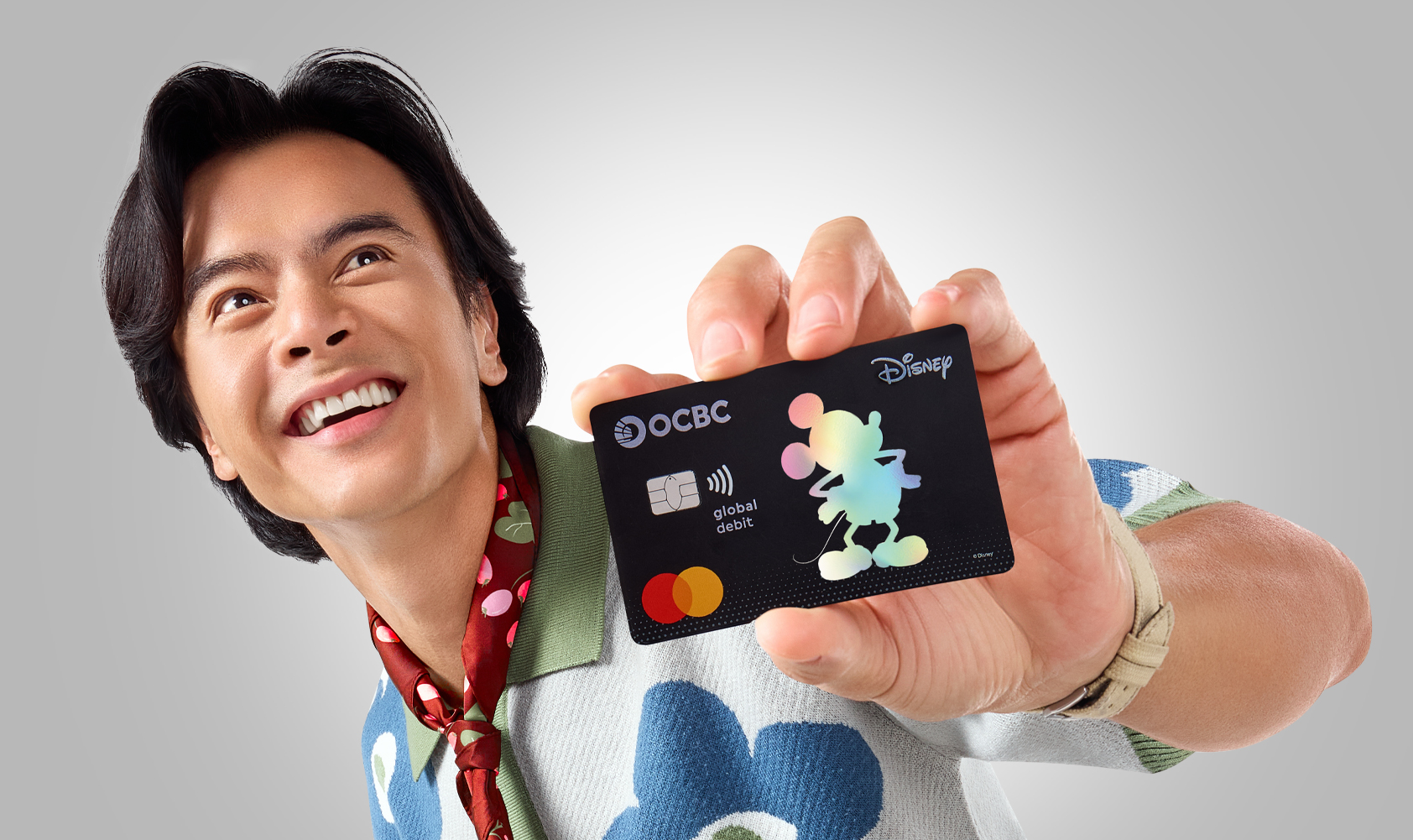
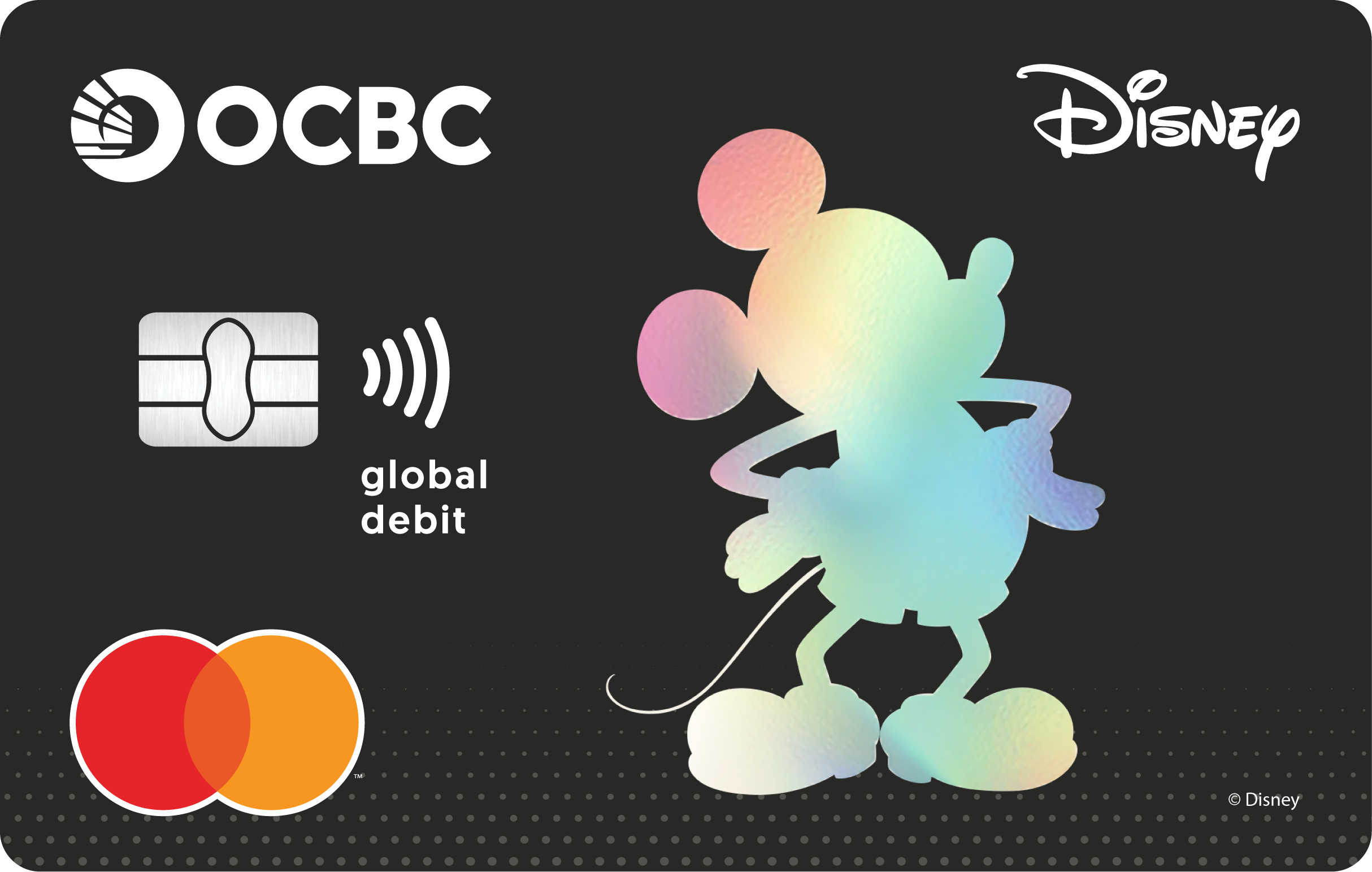
Nyala parent privileged to have Disney, Marvel & Pixar Debit Card for kid under 17 y.o. Info : ocbc.id/youngnyala
Enjoy 1% cashback for overseas transaction with OCBC Global Debit for KRW, SAR, AED & THB. More info: web.ocbc.id/travelwin
Related information about Nyala Global Debit
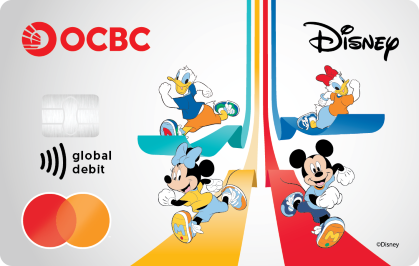
Celebrate Disney Run Jakarta 2026 with the Disney Run Jakarta 2026 edition Nyala Global Debit Card, available exclusively to 1.000 customers through pre-order.
Download OCBC mobile and enter the promo code: DEBITDISNEYRUN
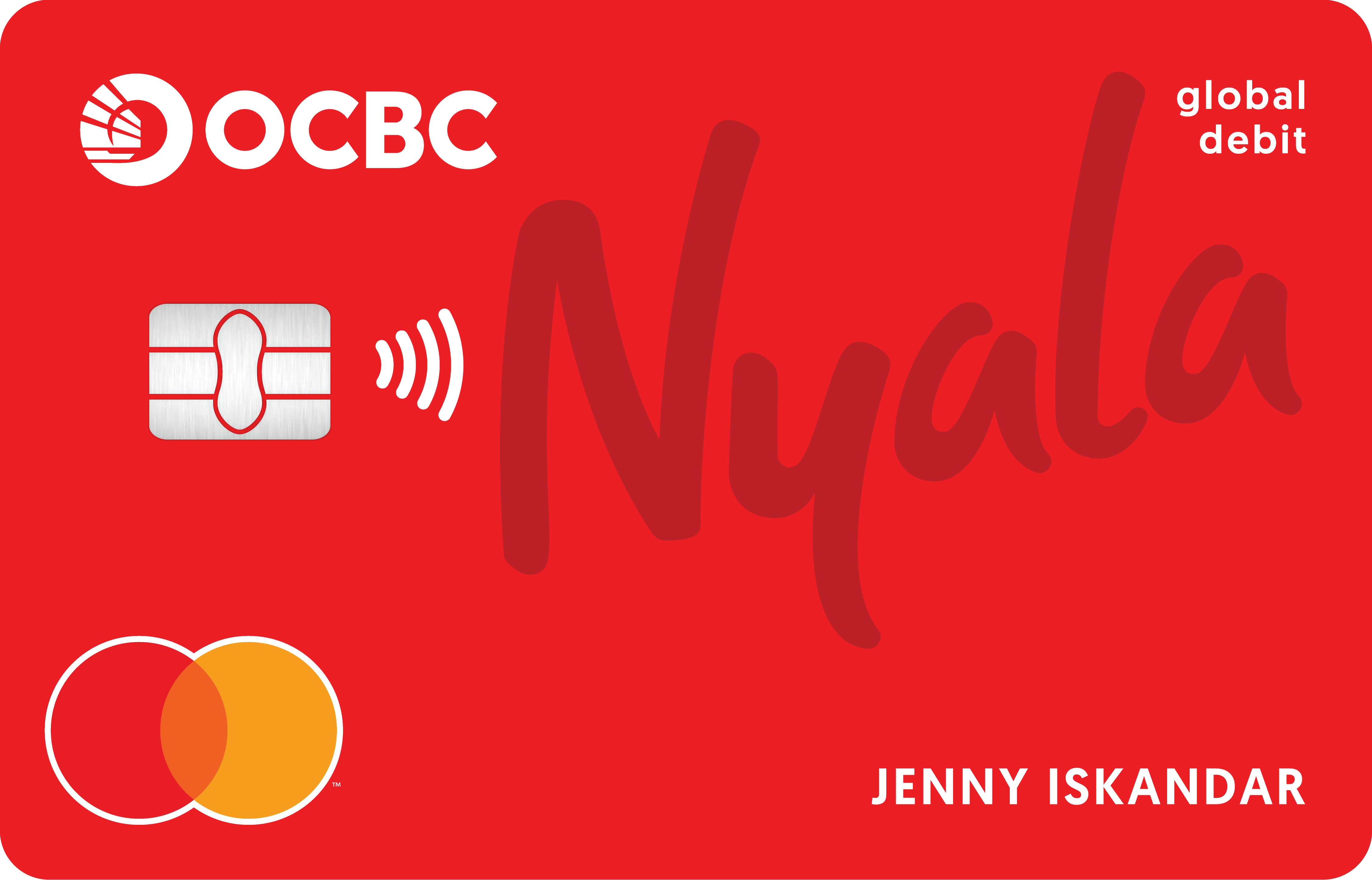
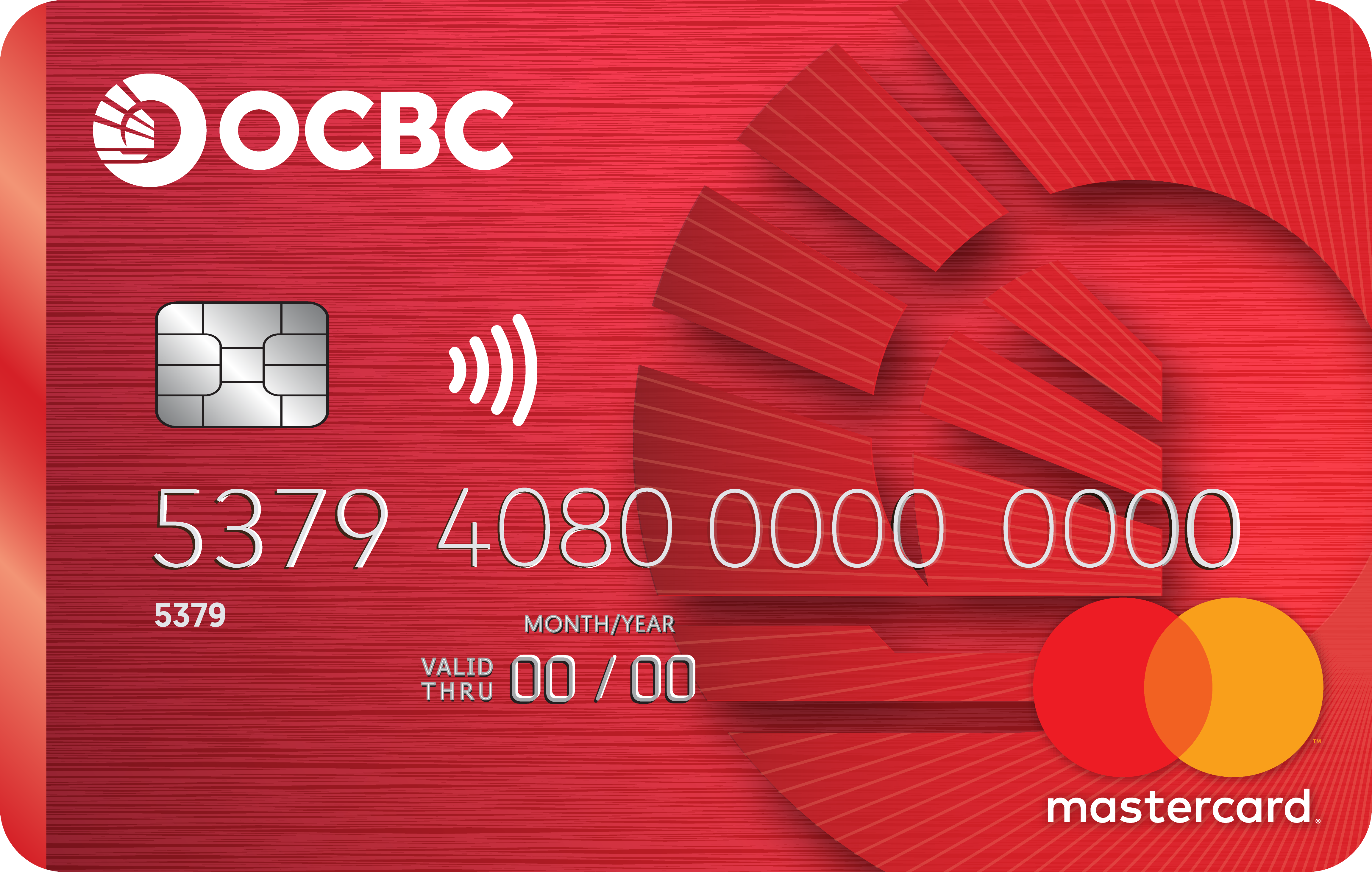
Now, OCBC Mastercard Debit Cards equipped with contactless features for convenience, security and speed of transactions. Here is the important information about OCBC Mastercard Debit Card with Contactless feature/technology:
In using the Contactless feature, make sure the Cardholder himself carries and attaches the card to the EDC Contactless machine and does not hand over the card to the Merchant or any other person.
The Cardholder's error and/or negligence in utilizing this feature and/or misuse of this Contactless feature method is the sole responsibility of the Cardholder, unless proven otherwise.
The Cardholder hereby agrees that any transaction that uses the Contactless feature that has been implemented by the Bank cannot be canceled or changed for any reason.
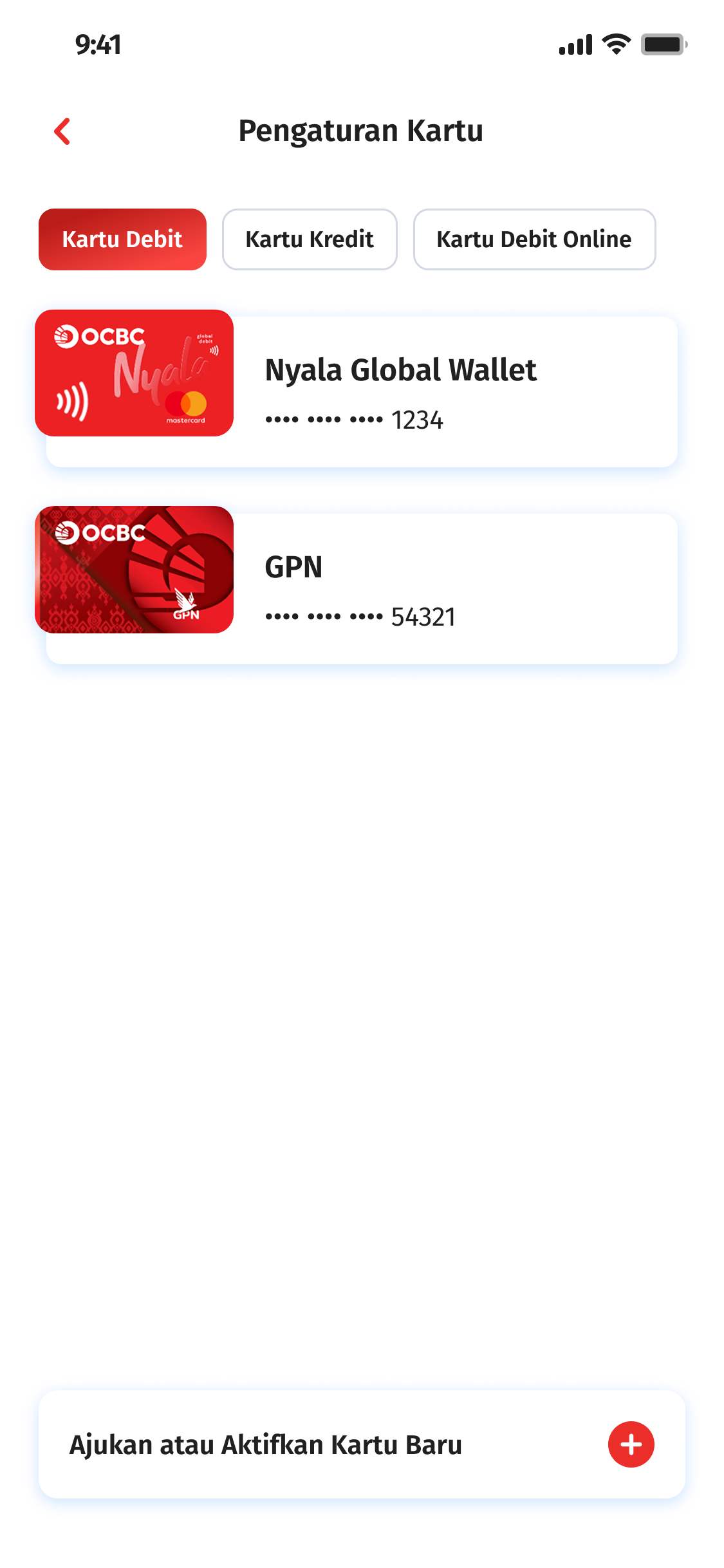
Select Setting Card and click on the card you want change
And choose reason change card
Then select card delivery method
Then click Continue
Change card processed
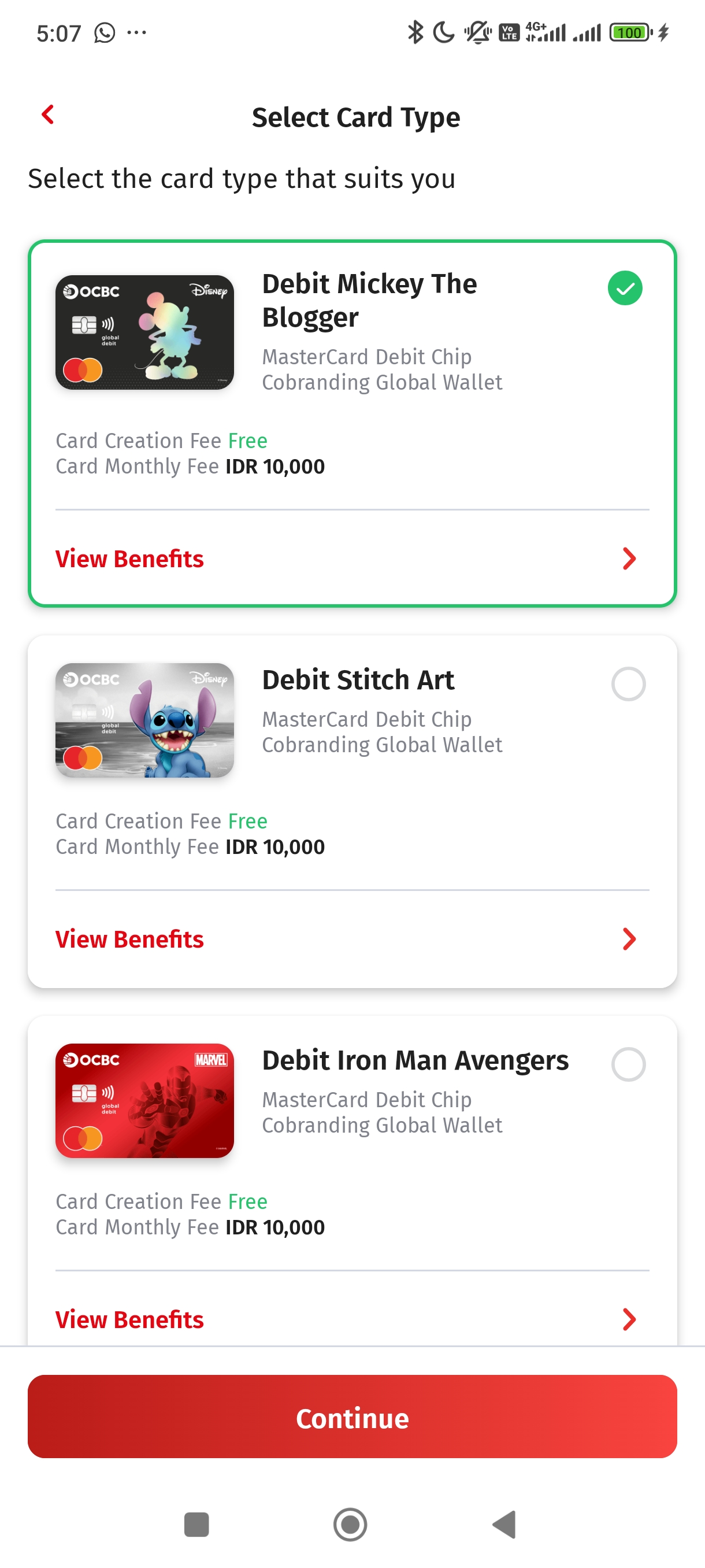
You’ll be charge IDR40.000 for the card charging fee


| Nyala Global Debit Card | |
|---|---|
| Cash withdrawal | IDR 15.000.000/day/account |
| Interbank Transfer | IDR 50.000.000/day/account |
| Shopping Debit | IDR 50.000.000/day/card |
| Book Transfer | IDR 100.000.000/day/account |
| Purchase Payment | IDR 100.000.000/day/card |
| Contactless(Without PIN) | IDR1 mio/transaction/day |
*The limit transaction limit is equivalent to a foreign currency
| NYALA Global Debit Card Transaction Fee | |||||||||||||||||||||||||||||||||||||||||||||
|---|---|---|---|---|---|---|---|---|---|---|---|---|---|---|---|---|---|---|---|---|---|---|---|---|---|---|---|---|---|---|---|---|---|---|---|---|---|---|---|---|---|---|---|---|---|
| Monthly Admin Card Fee | IDR10,000/card/month (subject to change) | ||||||||||||||||||||||||||||||||||||||||||||
| Card Replacement Cost Before Maturity / Expired | IDR40,000 /card (subject to change) | ||||||||||||||||||||||||||||||||||||||||||||
| Transactions on ATM |
Cash withdrawal fees changes by OCBC Bank:
|
||||||||||||||||||||||||||||||||||||||||||||
| Cash withdrawal feed changed by other international bank ATM owners overseas. The fee is varied and depends on the policy of each bank owning the ATM. This fee is changed by the customer. |
|||||||||||||||||||||||||||||||||||||||||||||
| Overseas Transportation Transactions (Aggregate Settlement) |
More information regarding transaction settlement process for overseas transportation transactions using OCBC Mastercard Debit Card with contactless and Global Wallet/Global Debit feature can be accessed here |
||||||||||||||||||||||||||||||||||||||||||||
Frequently Asked Questions about Nyala Global Debit

Starting June 11, 2026 - OCBC Nyala Global Debit Toy Story edition is available for the first 2,500 new customer who join Nyala OCBC and OCBC Young Nyala Debit Card Toy Story edition is available for 1,000 cards per design (there are two new designs).
The Disney, Marvel & Toy Story edition Global Debit Card can be obtained by opening an account through OCBC digital channels, or by requesting new card / card replacement via OCBC mobile.
The address displayed on OCBC Mobile is the address registered in the system. To change your address or update your data, visit an OCBC branch or contact TANYA OCBC.
Yes, the Disney, Marvel & Toy Story edition Global Debit card is contactless with a daily transaction limit of IDR 1 million. Be sure to activate the contactless feature in the debit card menu on OCBC Mobile.
Yes, the Disney, Marvel & Toy Story edition Global Debit card can be used for transactions at all merchants/stores displaying the MasterCard logo. Transactions can be directly debited from foreign currency accounts without conversion (IDR, USD, AUD, SGD, JPY, EUR, HKD, CHF, NZD, CAD, GBP, CNH). Ensure customers already have a foreign currency account and have sufficient balance for transactions.
Yes. Customers can request a Disney, Marvel & Toy Story edition Global Debit card through OCBC Mobile by selecting the debit card menu under 'More' or 'Regular' under 'Request or Activate New Card'. Follow the card application steps on OCBC Mobile, and the card will be sent to the customer's selected address.
Yes, customers can replace their card through OCBC mobile by following these steps. First, make sure you have downloaded the latest version of OCBC mobile. Then, using OCBC Mobile go to the debit card menu under "More." Select the NYALA debit card you wish to replace, then select "Replace Card," then "Change Card Type." Follow the instructions until the request is complete.
*Card type changes will incur a card replacement fee of IDR 40,000.
Customers who currently only have a GPN debit card linked to a Tanda 360 Plus account can request an additional Disney, Marvel & Toy Story edition Global Debit card via OCBC Mobile, similar to requesting a new card (point 2).
*Customers are permitted to link one MasterCard Debit Card and one GPN Debit Card to a single OCBC account.
Customers can log in to OCBC Mobile, then select the debit card menu under "More" and select the debit card to be replaced. Next, select the "Card Replacement" option and enter the reason for replacement as "Lost Card" or "Damaged."
*Card replacements due to damage, loss, or misplacement will be replaced with a card with the same design as the original card.
Customers can request a replacement with the reason 'Change Card Type' and will be charged a card replacement fee of IDR 40,000.
No. Renewal will replace an expired or near-expiration debit card with a new card with the same design and card number.
*To change the design, you can use the "change card type" option, with a card replacement fee of IDR 40,000.
Currently the Disney, Marvel & Toy Story edition Global Debit card is only available through OCBC digital channels (OCBC mobile / web Onboarding).
Replacing an expired debit card (renewal) via OCBC mobile is not subject to a card replacement fee.
Can't find the question you're looking for?
View Other Questions


Download OCBC mobile now!




 Back
Back